VIP Online
VIP Online (VIPO) is Pavilion’s online payment solution with limits dynamically calculated as a percentage of the available balance in each linked account. Limits refresh at the time of inquiry, remain valid for 24 hours, and adjust as completed transactions are deducted.
This product includes built-in Identity & Risk Verification during enrollment and for certain transactions.
Flow Overview
Step 1: The patron interacts with the VIP Online payment option. If a patron does not have a VIP account yet, they will be taken through the enrollment process. If a patron already has a VIP account, they will skip enrollment and proceed.
Step 2: The operator makes a POST request to either the Patron Session Existing or Patron Session New API.
Step 3: The Create Patron Session API creates and returns a session ID in response.
Step 4: The operator then invokes the VIP Connect Web Component with the given session ID.
Step 5: The patron is then able to make deposits, withdrawals, and manage their VIP Online account.
Step 6: The patron is redirected to the operator’s site.
Patron Experience
Patrons enrolled in VIP Online are able to perform ACH transactions to fund their account(s). The following are available in the VIP Online web and mobile views:
- Dynamic VIP Online enrollment
- Accept terms and conditions, privacy, and GLBA notice
- Display available funds
- Deposit and withdraw funds to/from operator
- Add, remove and manage bank accounts
- Leverages Finicity
- Prepopulate patron-selected deposit or withdrawal amount from operator
- Patron name displayed for personalization
- Sessions ended through logout action or predefined timeouts
The images in this section display the recommended half cashier view. To implement this view, see Cashier Half Page.
Deposit
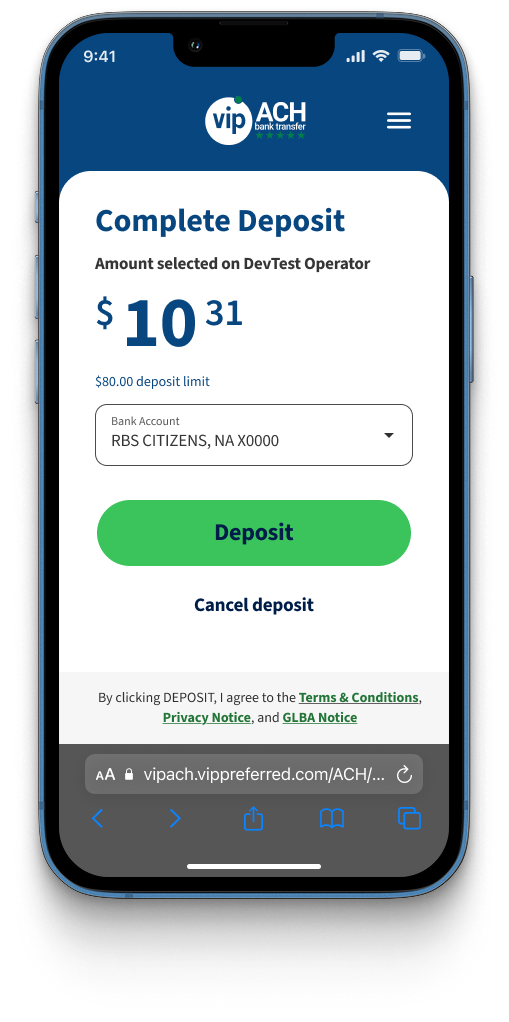
When a patron wants to deposit funds to their account using VIP Online, steps for deposit are shown below.
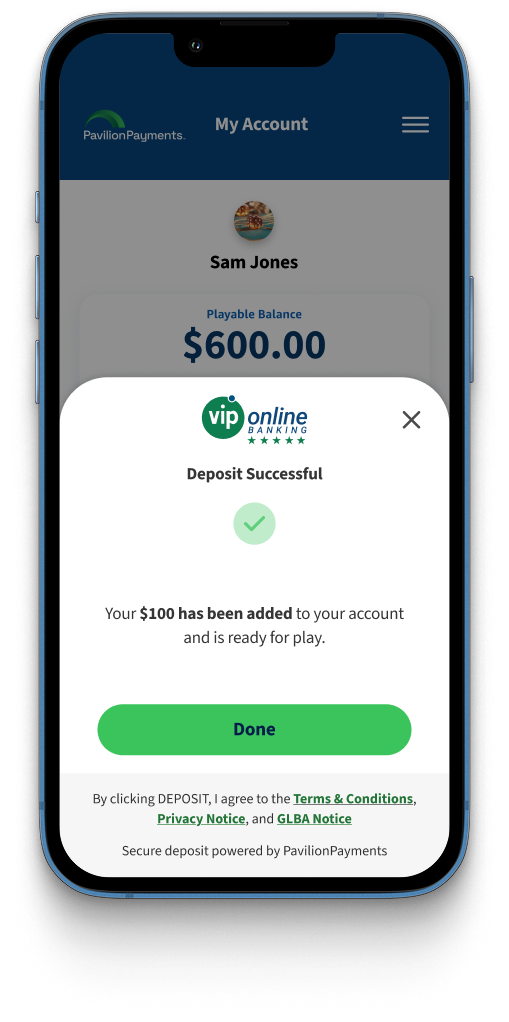
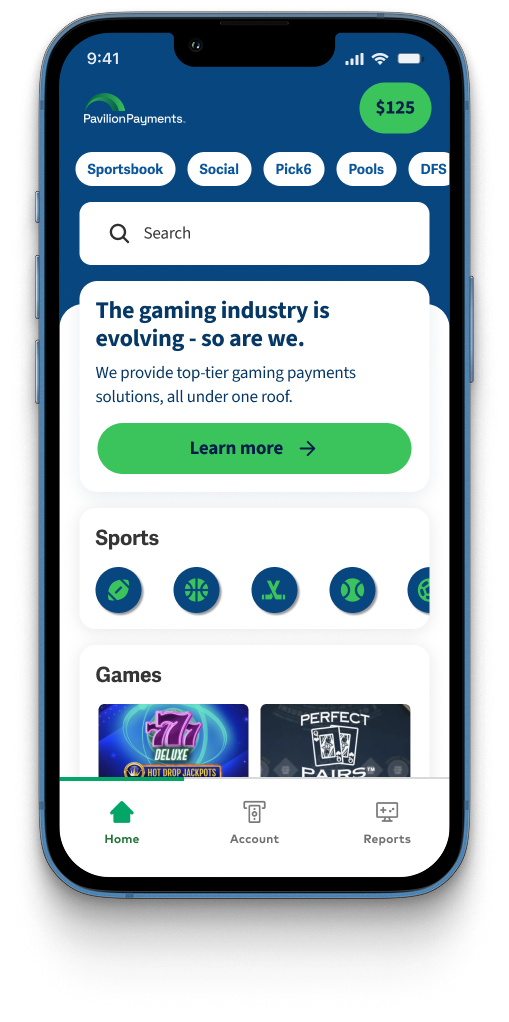
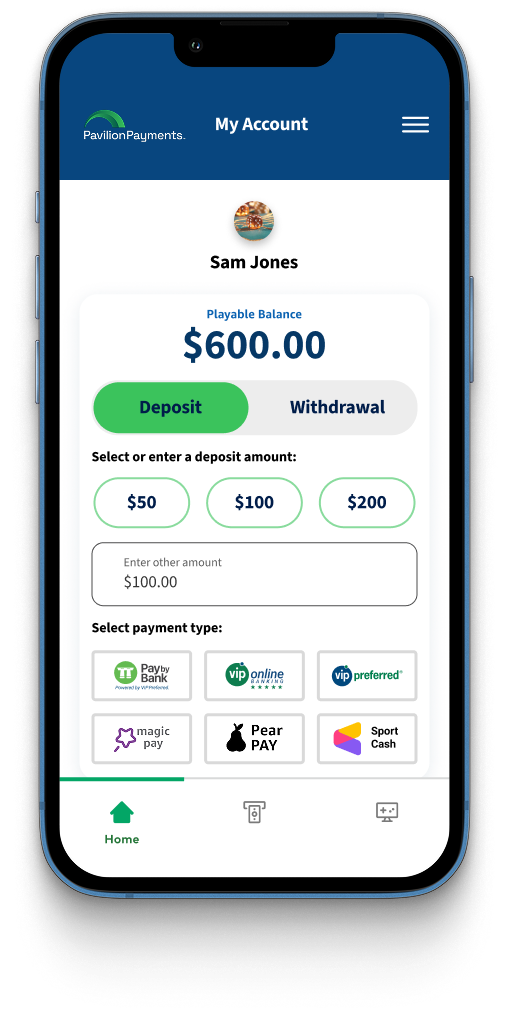
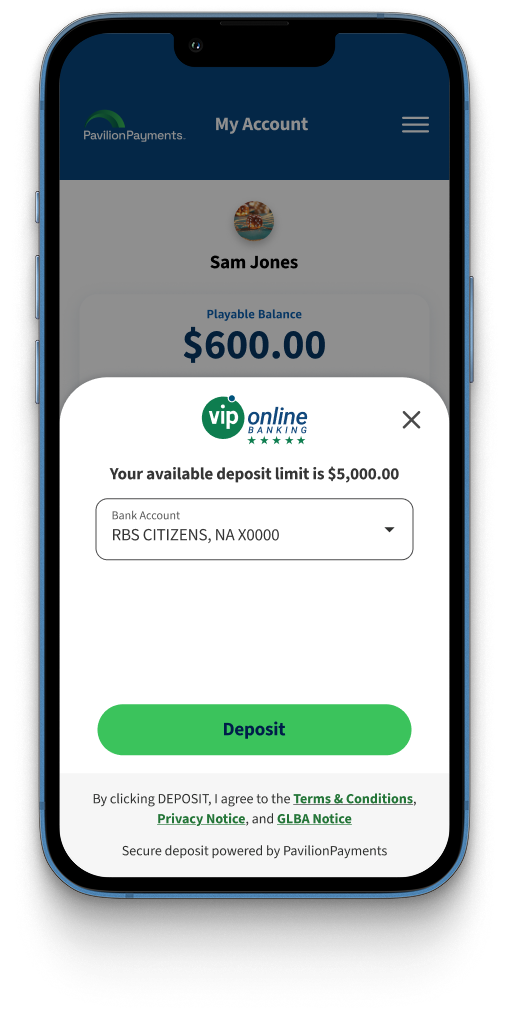
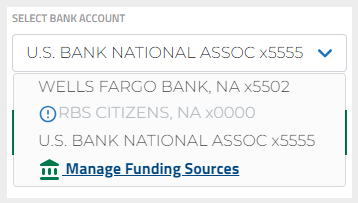
If a patron's deposit amount is greater than the available balance on an account then that account will not be available for selection in the bank account drop down menu as shown below.
Withdraw
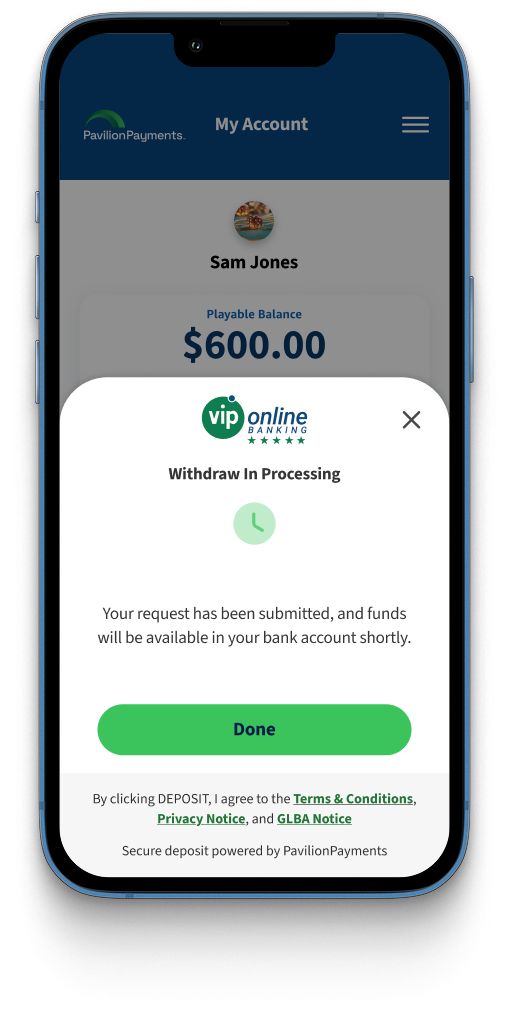
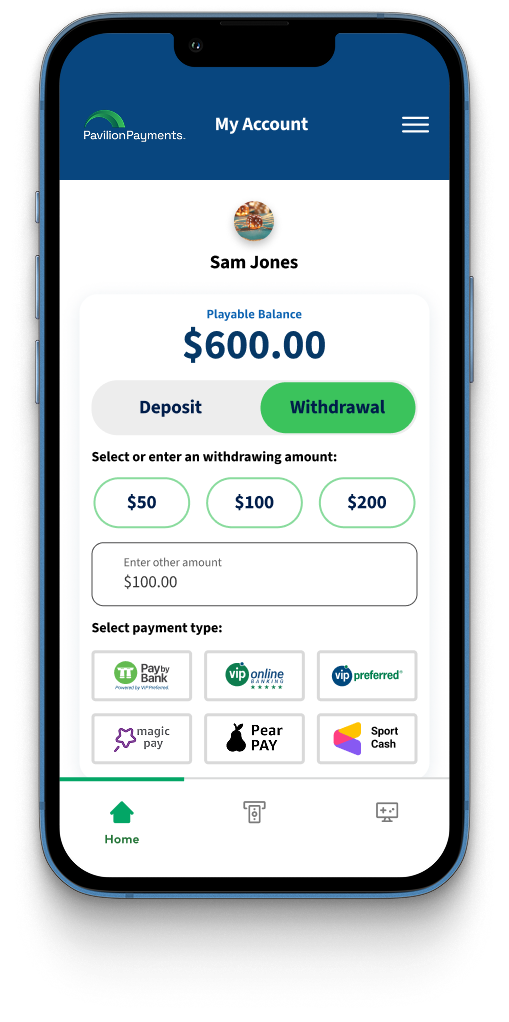
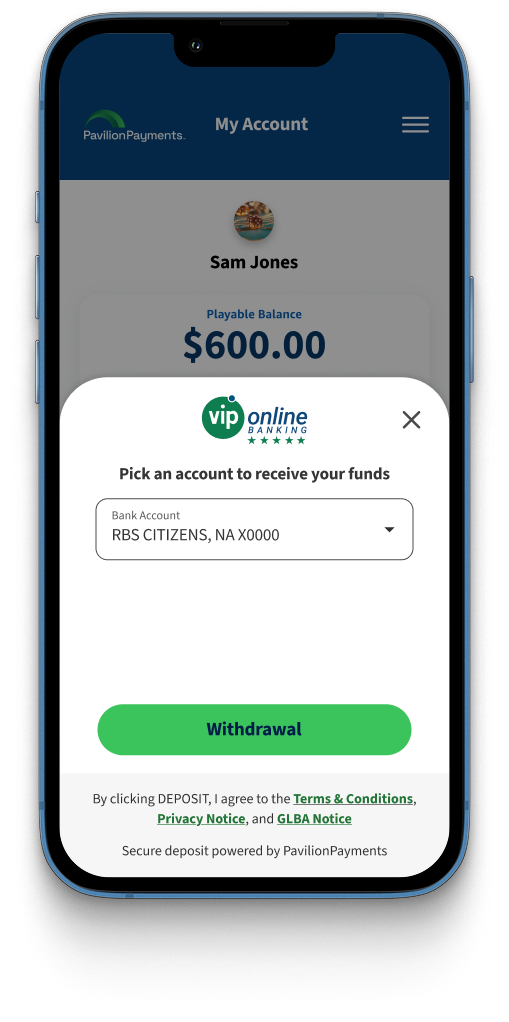
When a patron wants to withdraw funds in their account, steps for withdrawal are shown below.
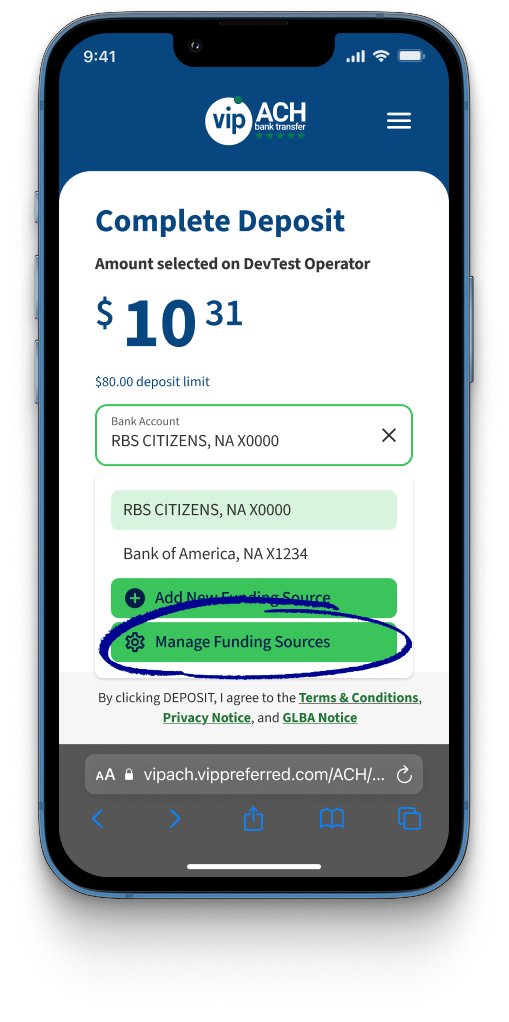
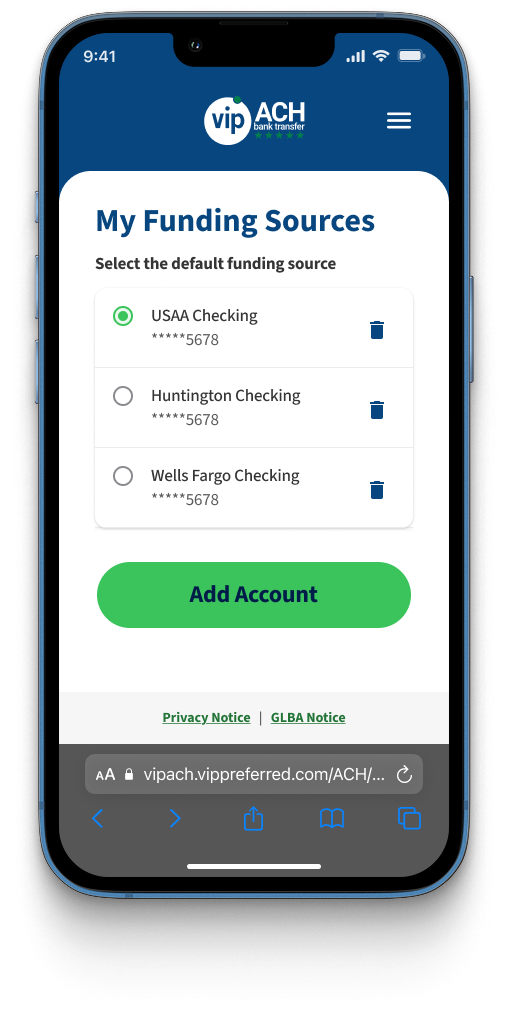
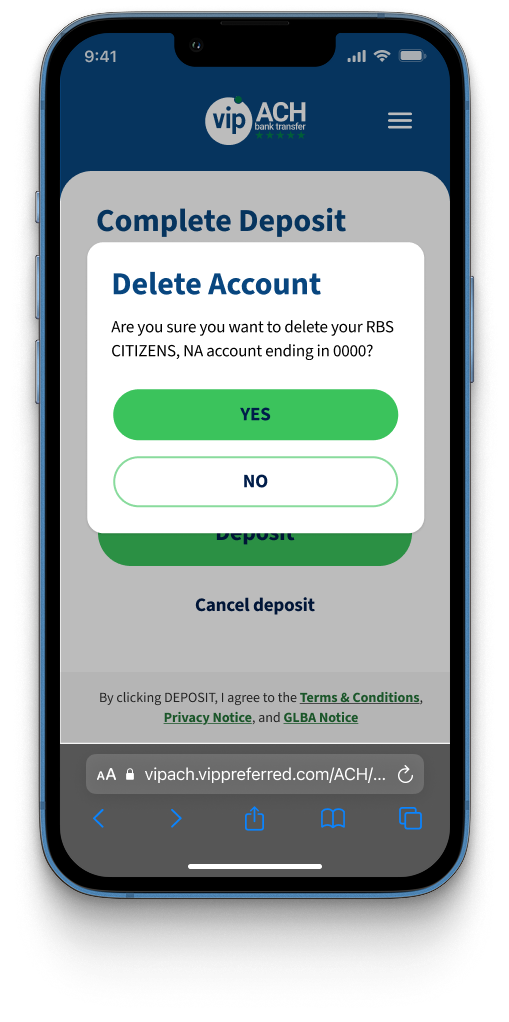
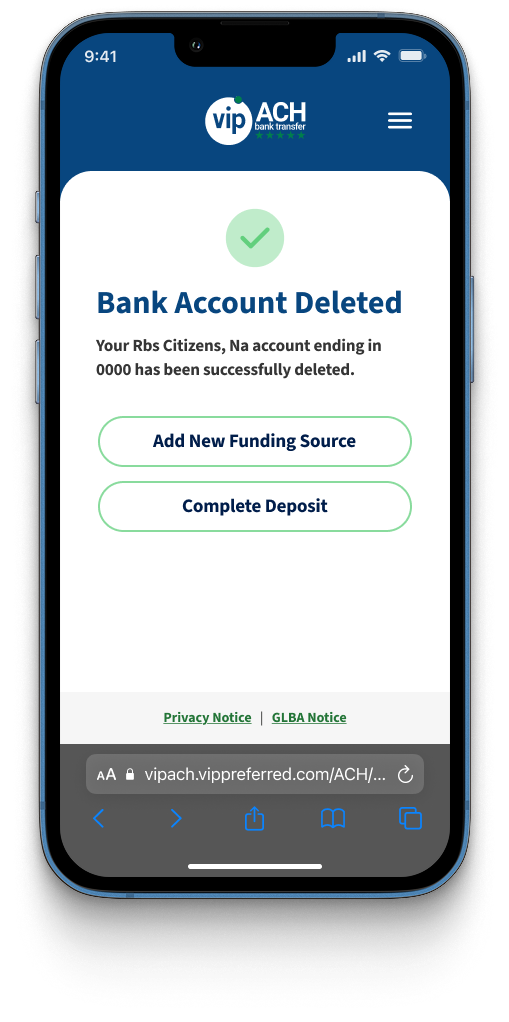
Manage Account
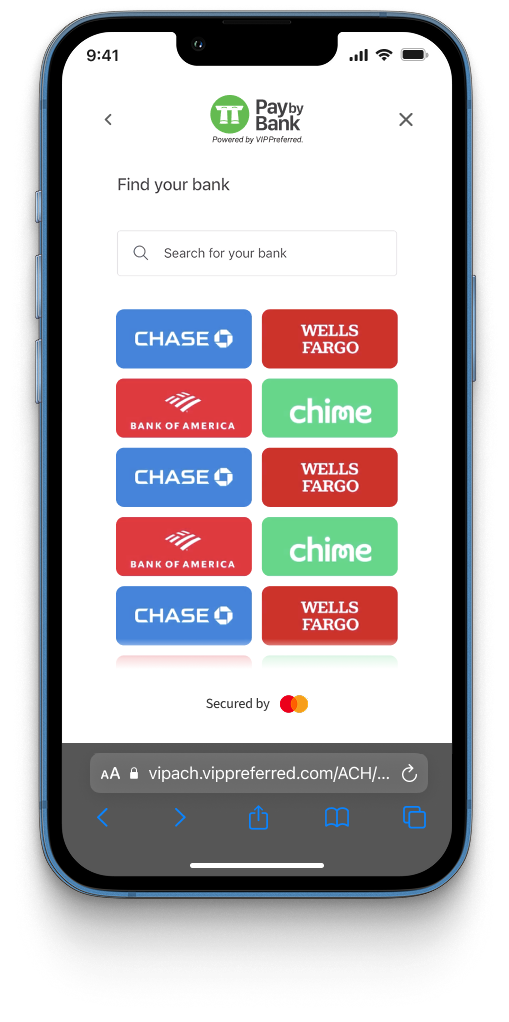
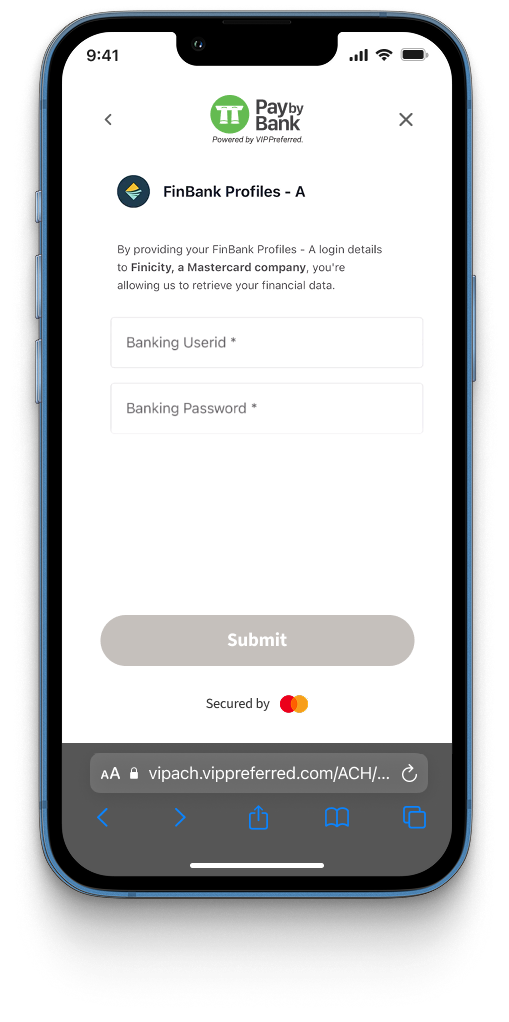
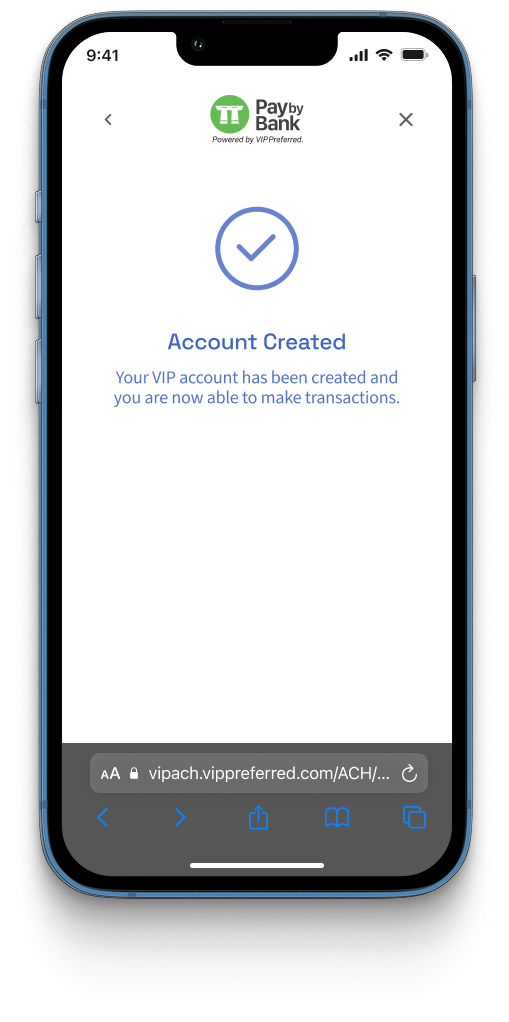
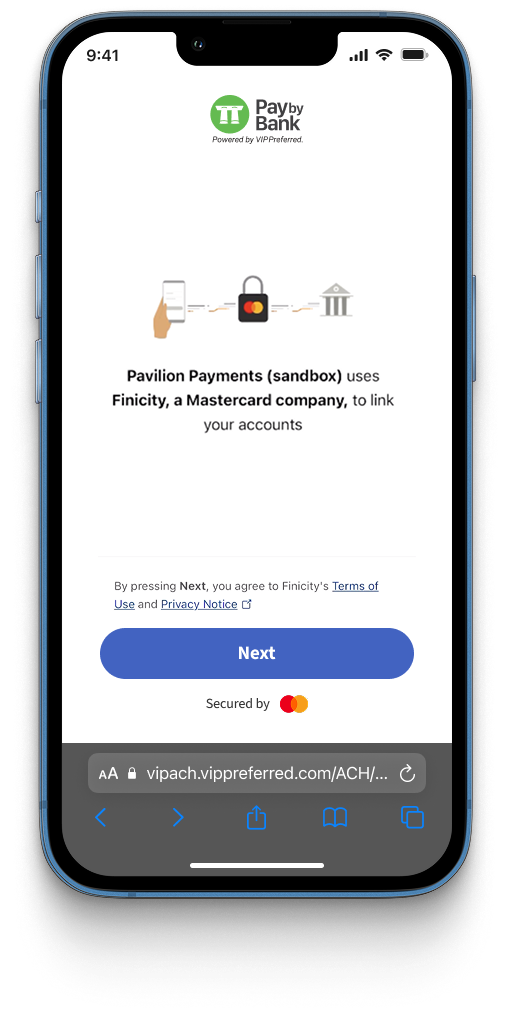
Patrons can use Finicity to add up to four bank accounts on their VIP Online (VIPO) account. Patrons can remove bank accounts from their VIPO account, but they must have at least one bank account available on their VIPO account.
Legacy
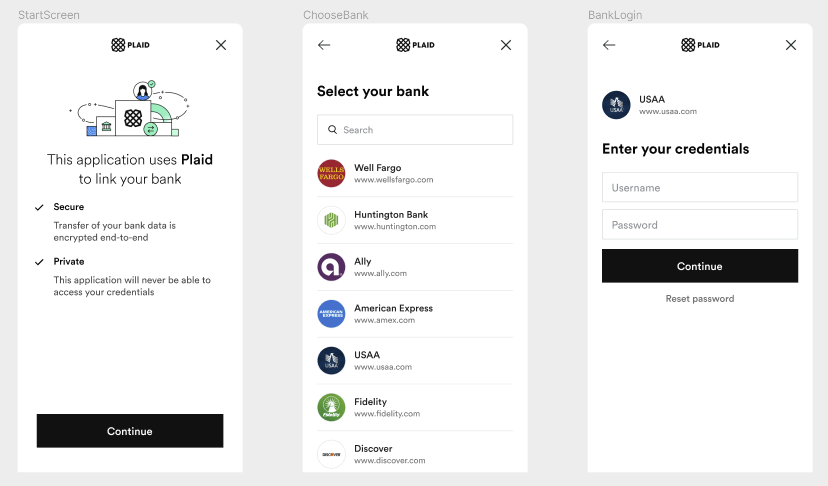
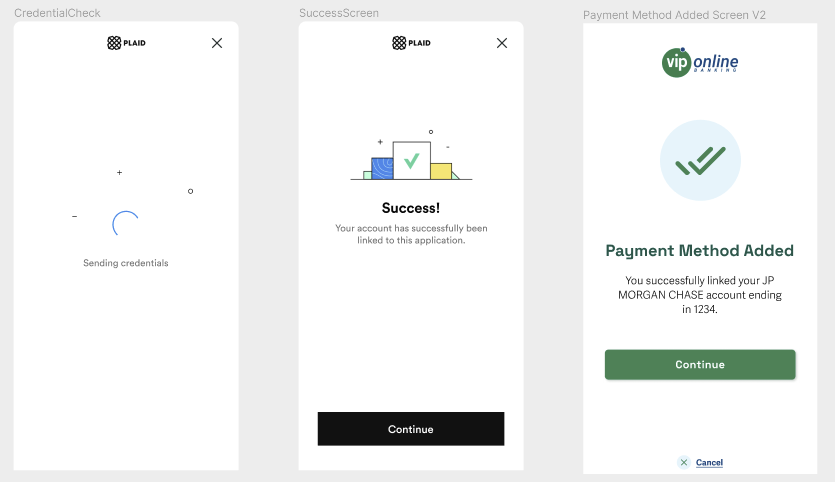
Add Bank Account With Plaid
Plaid integration has been replaced by Finicity. The following is a legacy, unsupported flow.
Integration Steps
To integrate with VIP Online, operators must complete the onboarding process and then invoke the web component.
Components
VIP Online is a combination of multiple front-end and back-end components. Certain components are owned and maintained by Pavilion, while others must be developed and maintained by operators.
| Component | Type | Owner |
|---|---|---|
| VIP Online API | Backend | Pavilion |
| VIP Online Web Component | Frontend | Pavilion |
| Operator Web UI | Frontend | Operator |
| Operator API | Backend | Operator |
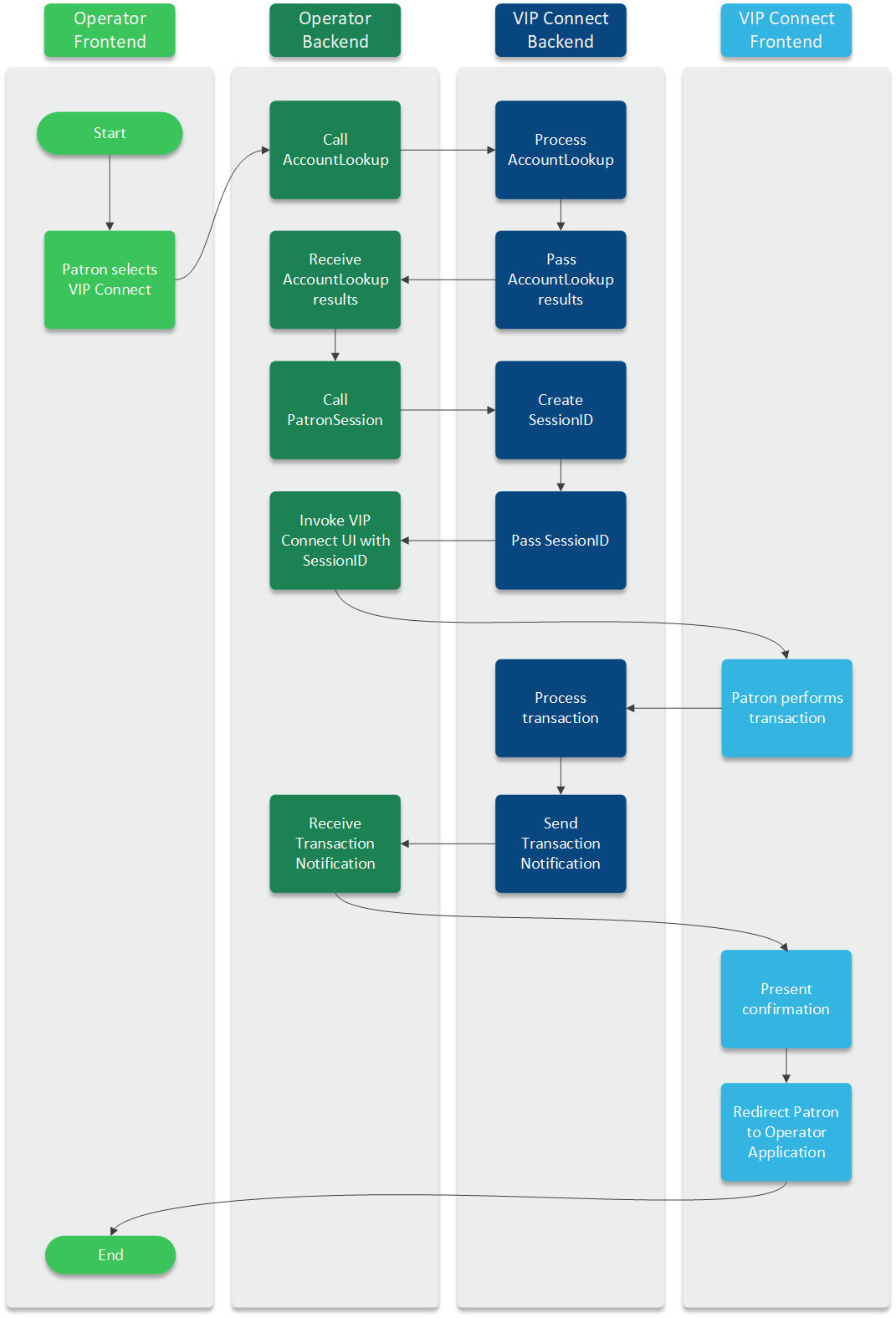
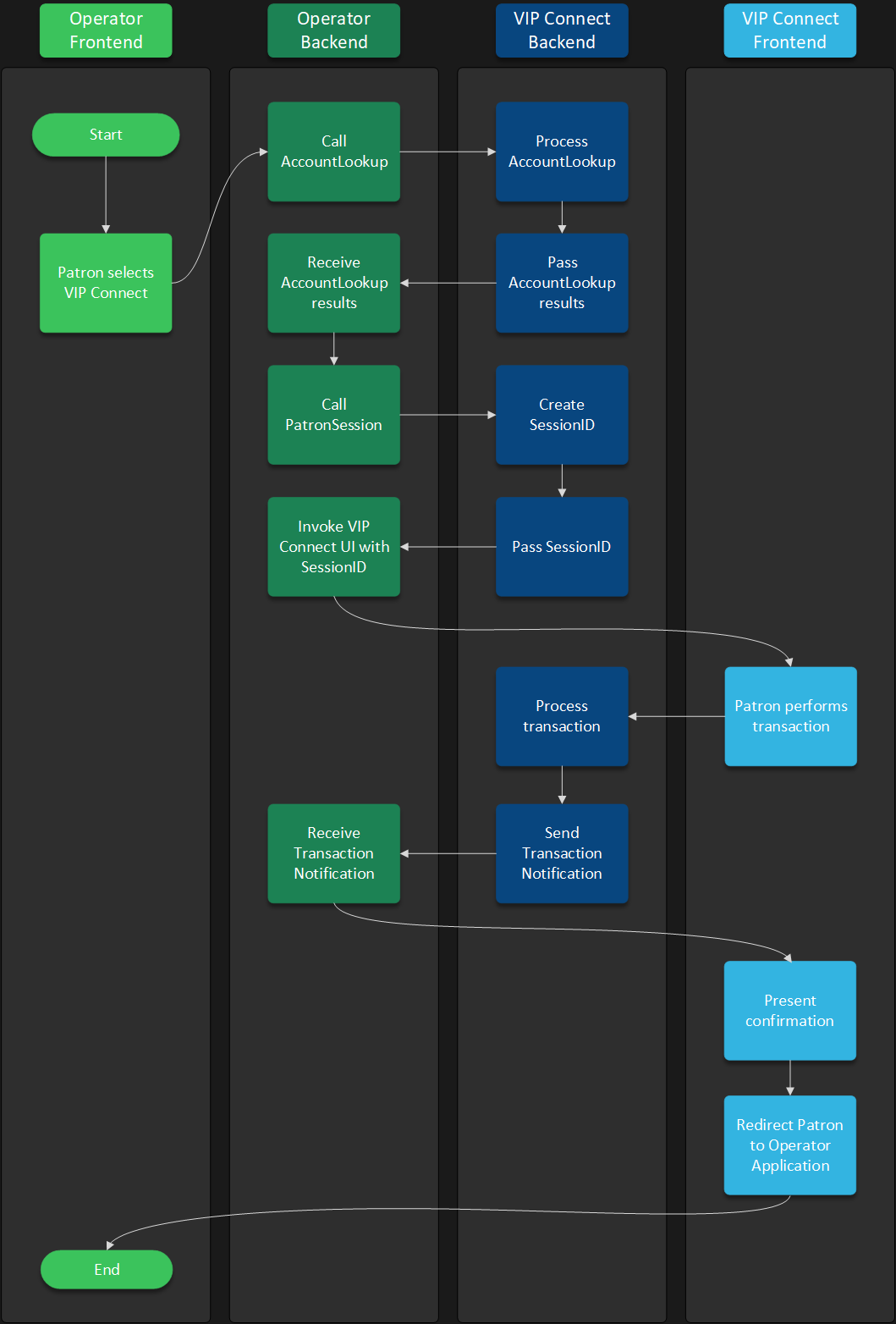
Operators must call the API endpoint residing at the Create Patron Session API URL. This API call must invoke the VIP Online API session creation endpoint and return the resulting session ID to the web component. This backend-to-backend call is required in order to secure a patron's personally identifiable information from being exposed.
Capabilities
VIP Online has multiple available capabilities that can enhance patron experience. These capabilities are optional and can be activated based on the operator's needs. Learn more about how to activate them below:
Additionally, VIP Online comes with Identity & Risk Verification built-in.