Pay By Bank
Pay by Bank is Pavilion’s intelligent funding solution designed to maximize transaction success and patron limits. Using a proprietary decisioning engine, it evaluates a patron’s eligible accounts in real time and automatically applies the highest available funding limit. This ensures operators can deliver a seamless, optimized funding experience.
This product includes built-in Identity & Risk Verification during enrollment and for certain transactions.
Flow Overview
The flow depends on the operator’s configurations and the patron’s available limits. For operators who support both VIP Online and VIP Preferred (our recommended configuration), the following demonstrates the routing logic.
Step 1: The patron interacts with Pavilion’s payment option. If a patron does not have a VIP account yet, they will be taken through the enrollment process. If a patron already has a VIP account, they will skip enrollment and proceed.
Step 2: Patron Account Inquiry API checks to see if the patron has a VIP Connect account and if they already have a bank account linked through Finicity.
Step 3: The operator makes a POST request to either the Patron Session Existing or Patron Session New API.
Step 4: The Create Patron Session API creates and returns a session ID in response.
Step 5: The operator then invokes the VIP Connect Web Component with the given session ID.
Step 6: Pay by Bank determines the patron’s limits for both VIP Online and VIP Preferred and routes the patron to the option with the higher limit. See How Limits Are Determined for details.
Step 7: The patron is then able to make deposits, withdrawals, and manage their VIP Connect account.
Step 8: The patron is redirected to the operator’s site.
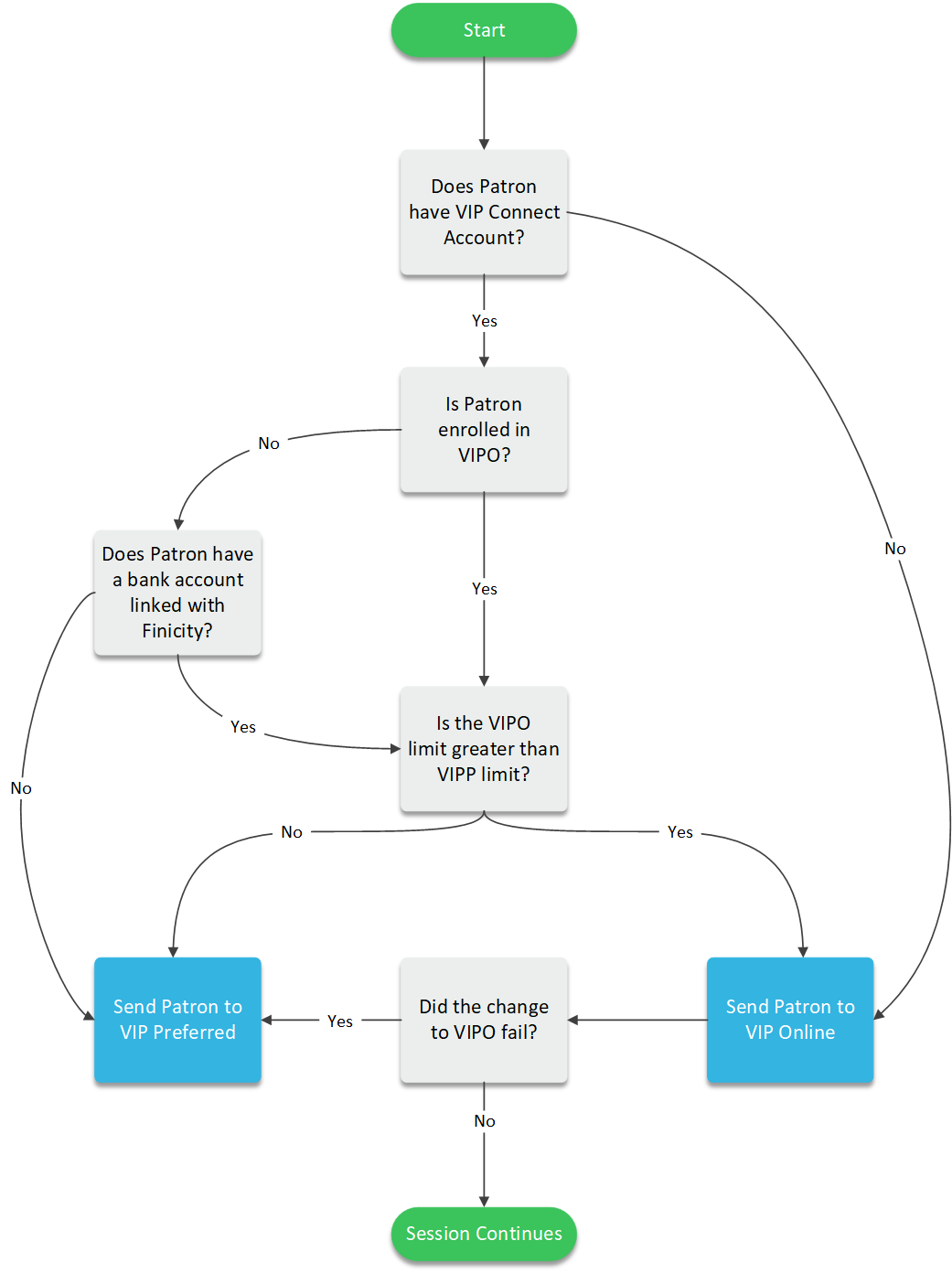
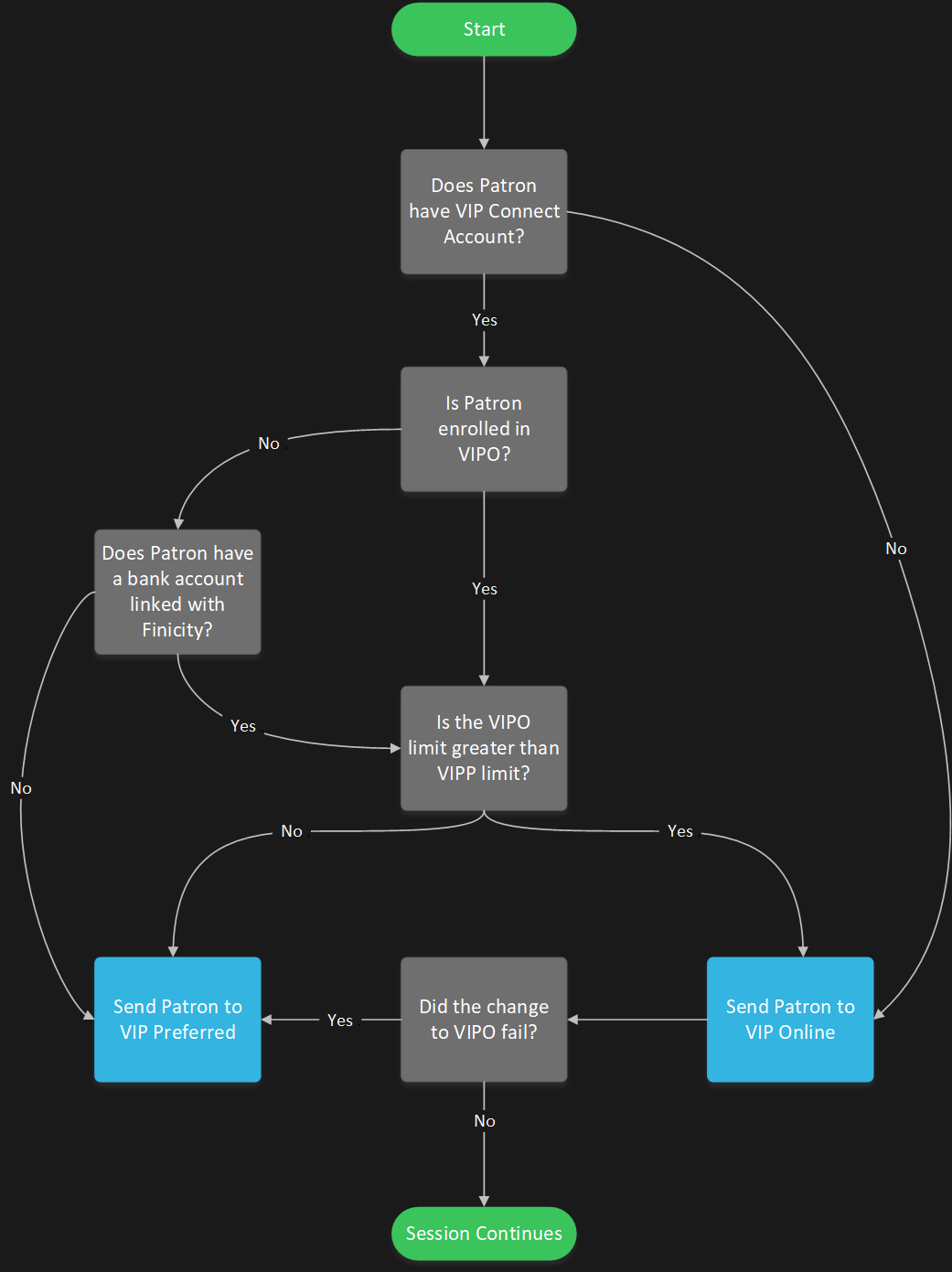
For operators who only support VIP Online, all patrons will be directed to VIP Online.
For operators who only support VIP Preferred, all patrons will be directed to VIP Preferred.
How Limits Are Determined
Pay by Bank uses the Patron Account Inquiry API response to compare the patron’s VIP Preferred and VIP Online limits:
- VIP Preferred limit: the root-level
availableAmountvalue. - VIP Online limit: the sum of
availableLimitacross all bank accounts in thebankAccountsarray that were linked through Finicity (or legacy Plaid).
The web component compares the two totals and routes the patron to the product with the higher limit. VIP Online is selected only when its limit is strictly higher than the VIP Preferred limit; if the two limits are equal, the patron is routed to VIP Preferred.
Deposits sent with a warrantyMode of NOWARRANTY (see Hybrid Smart Routing) do not use this limit comparison. These deposits are routed to VIP Online, unless the patron has bank accounts on file but none of them were linked through Finicity (or legacy Plaid), in which case they are routed to VIP Preferred.
For example, given the following (abbreviated) account inquiry response:
{
    "limitAmount": 1500.00,
    "availableAmount": 1500.00,
    "bankAccounts": [
        {
            "displayAccountNumber": "9819",
            "bankName": "U.S. Bank National Association",
            "availableLimit": 1275.00
        },
        {
            "displayAccountNumber": "5555",
            "bankName": "U.S. Bank National Association",
            "availableLimit": 2350.00
        }
    ]
}
| Product | Calculation | Limit |
|---|---|---|
| VIP Preferred | availableAmount | $1,500.00 |
| VIP Online | $1,275.00 + $2,350.00 | $3,625.00 |
Because the VIP Online limit ($3,625.00) is higher than the VIP Preferred limit ($1,500.00), the patron is routed to VIP Online.
Patron Experience
The images in this section display the recommended half cashier view. To implement this view, see Cashier Half Page.
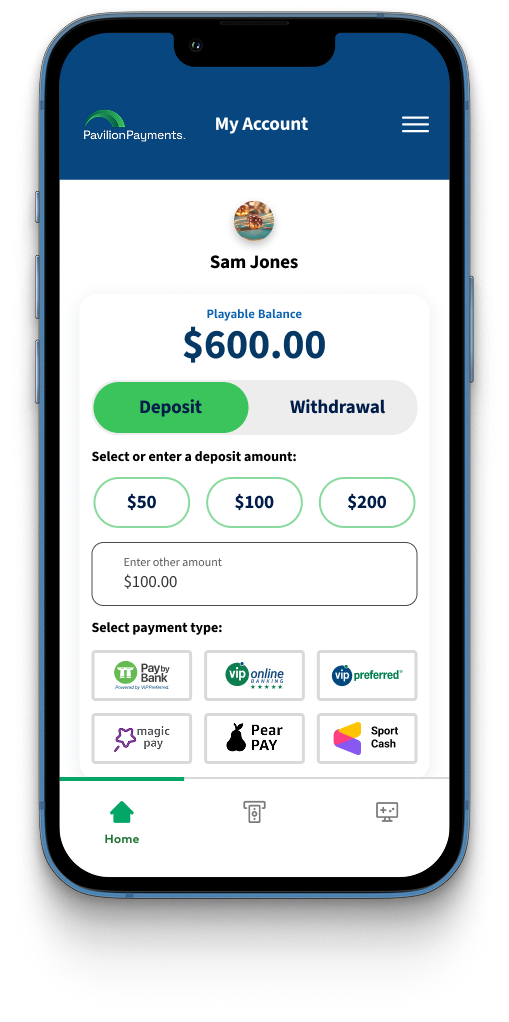
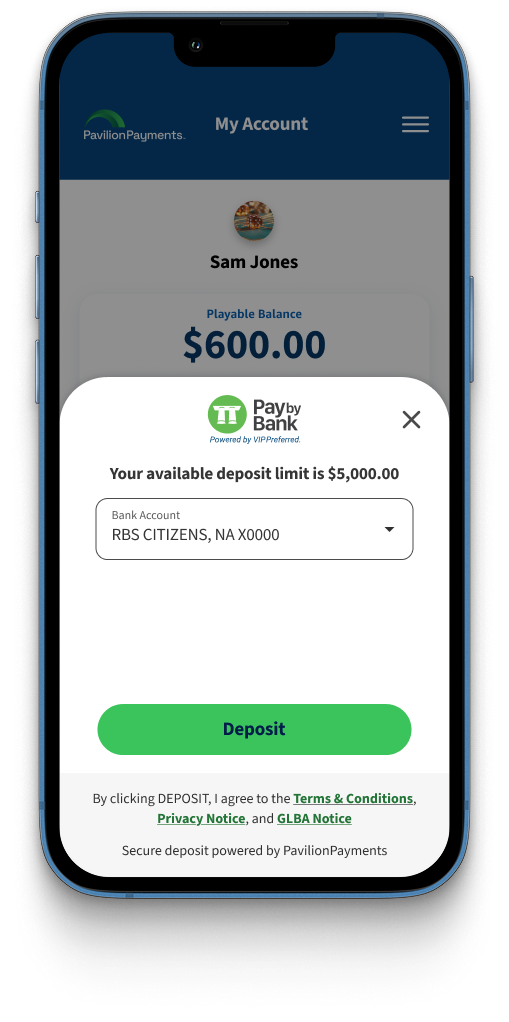
Deposit
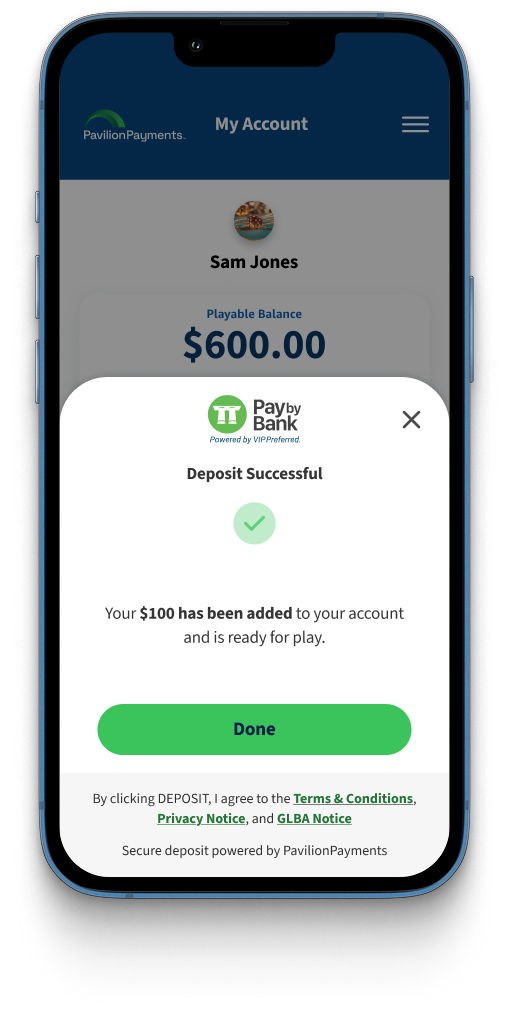
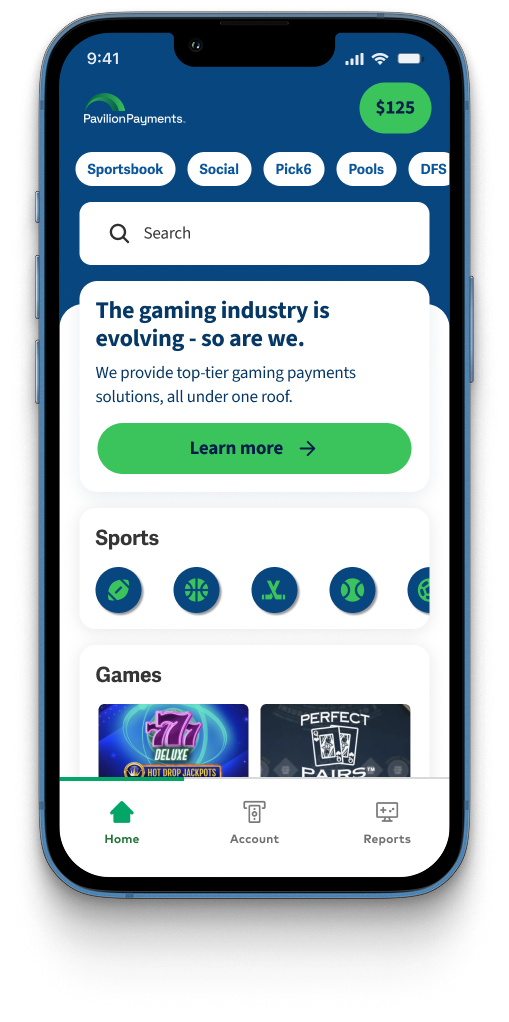
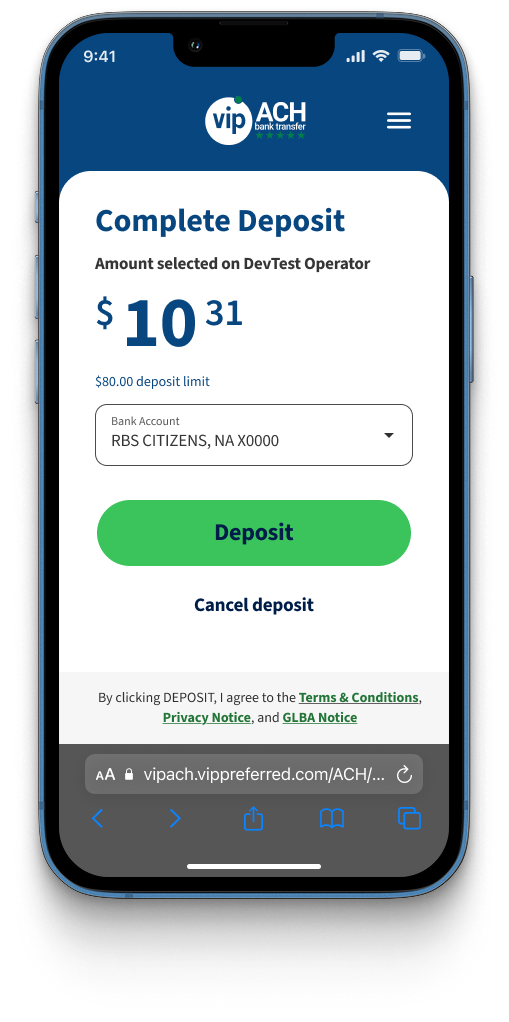
When a patron wants to deposit funds to their account using Pay by Bank, steps for deposit are shown below.
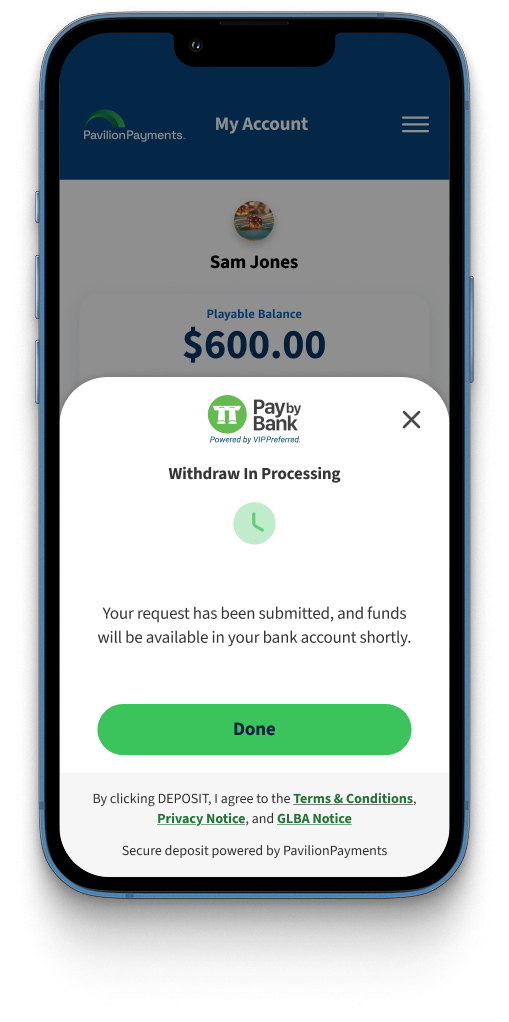
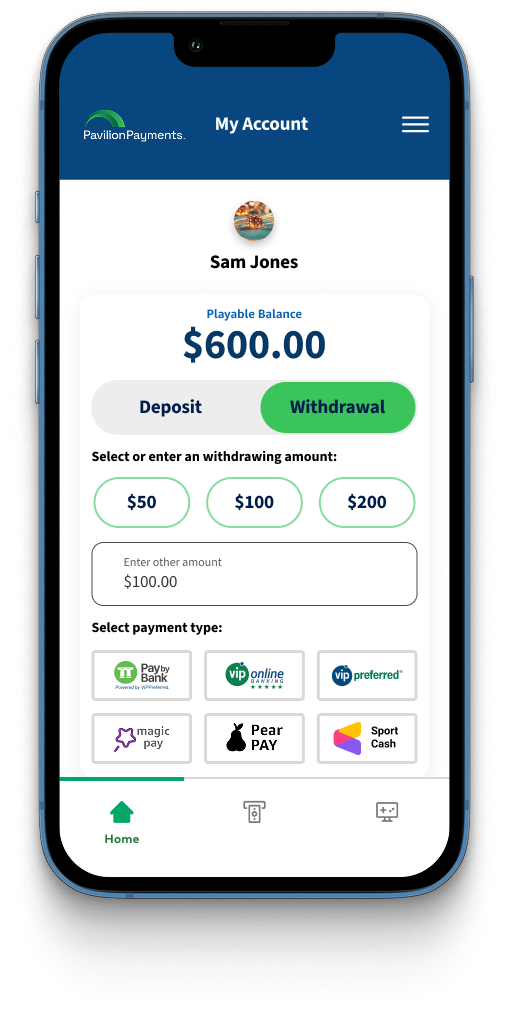
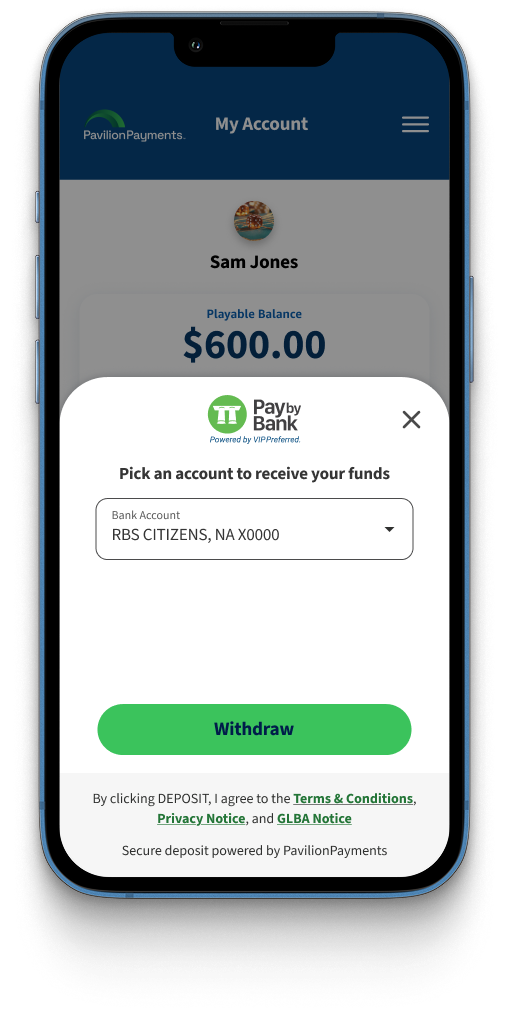
Withdraw
When a patron wants to withdraw funds in their account, steps for withdrawal are shown below.
Manage Account
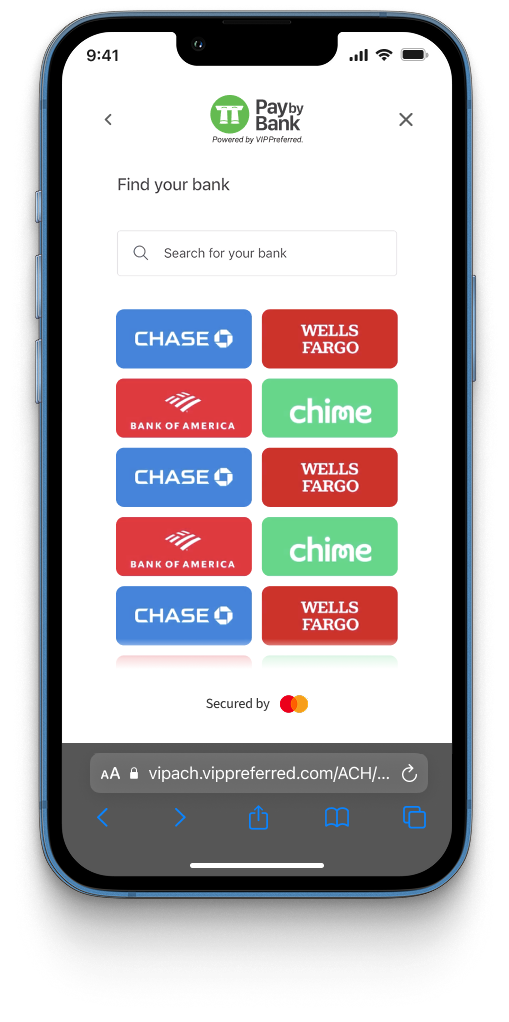
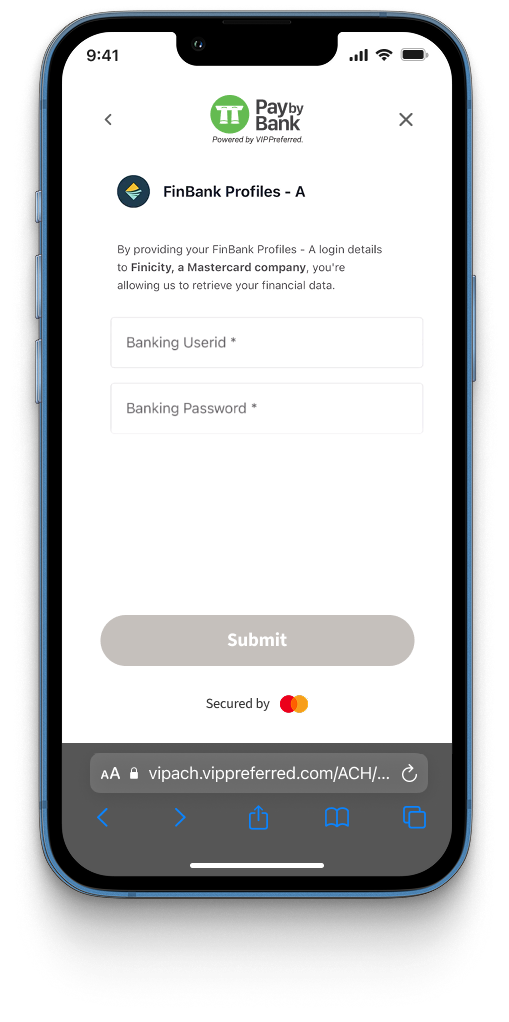
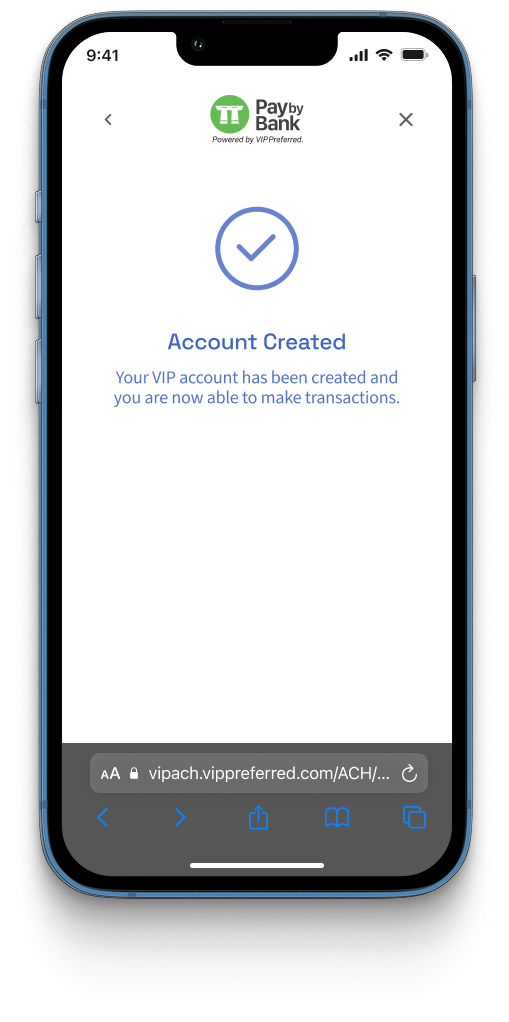
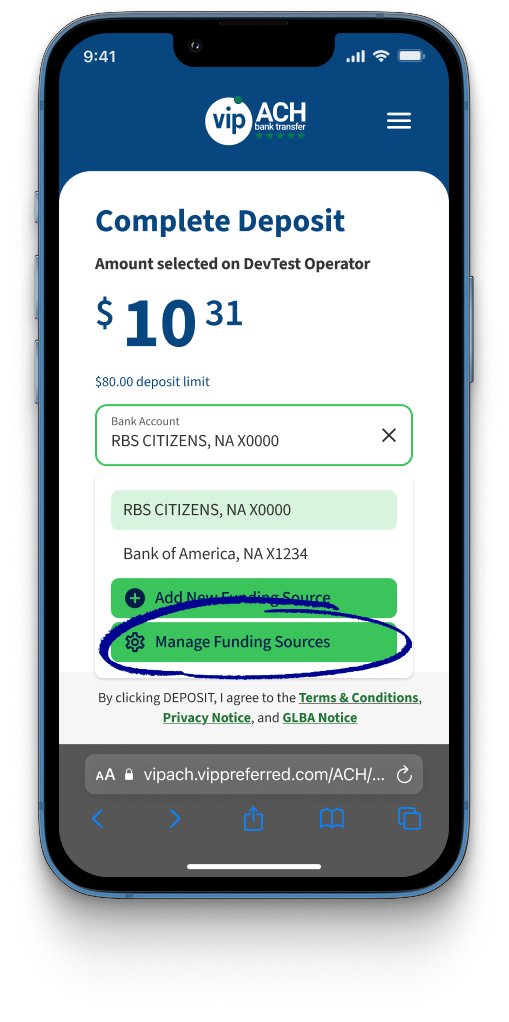
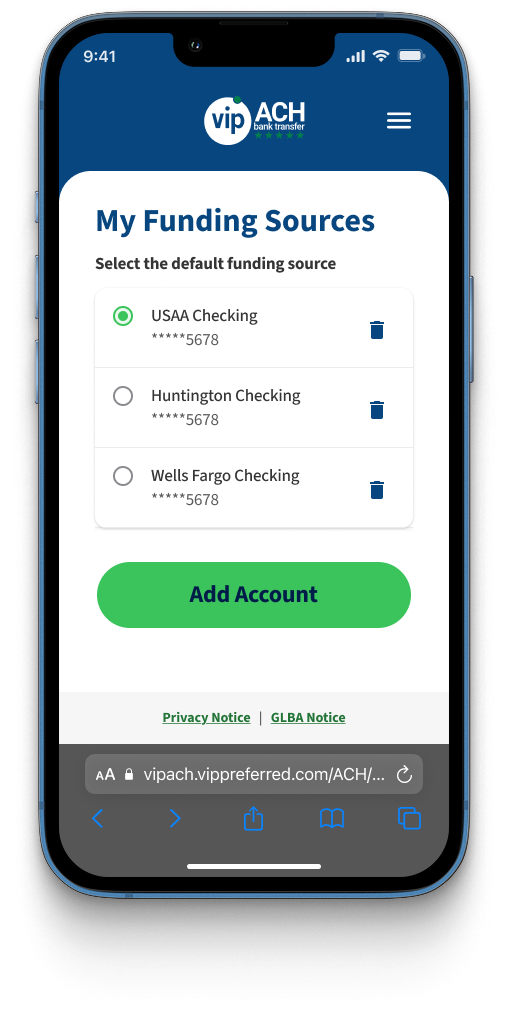
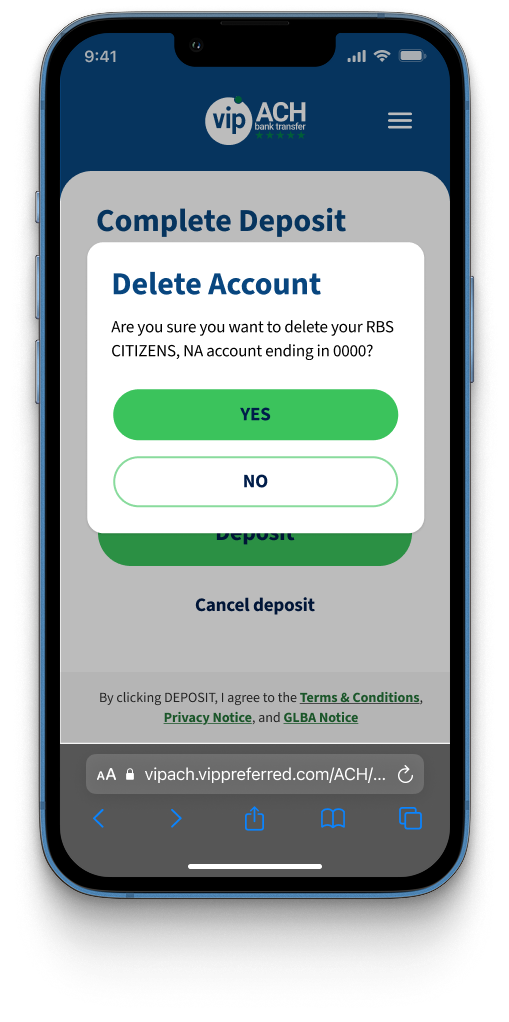
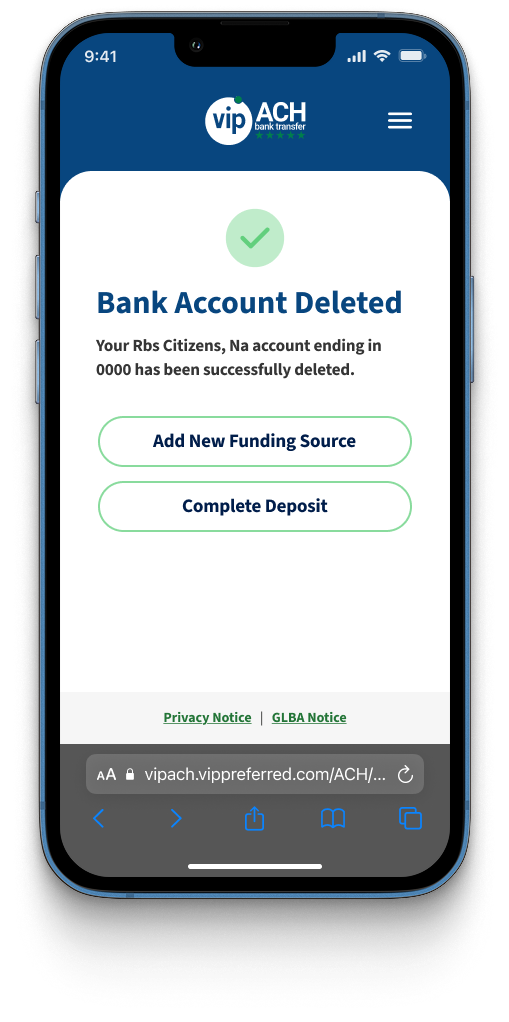
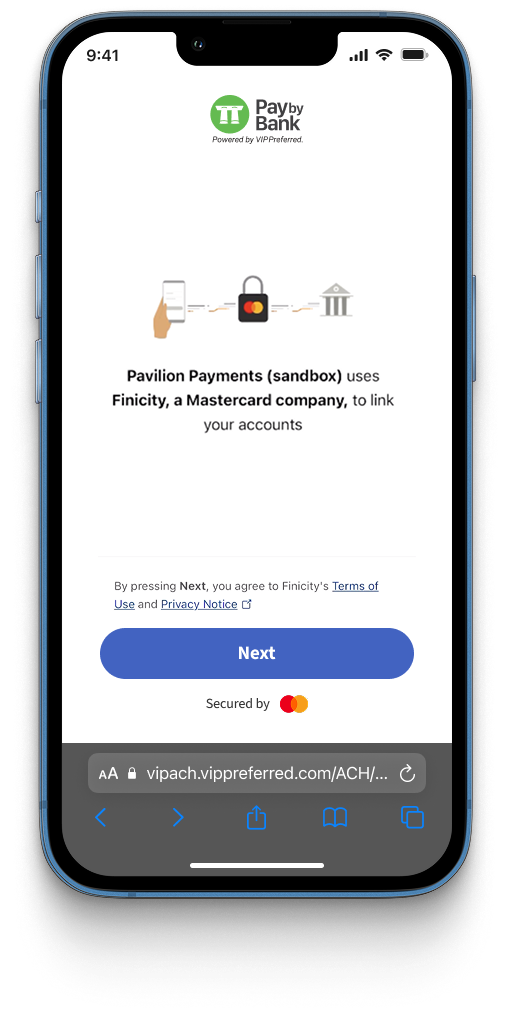
Patrons can use Finicity to add up to four bank accounts on their VIP Connect account. Patrons can remove bank accounts from their VIP Connect account, but they must have at least one bank account available on their account.
Legacy
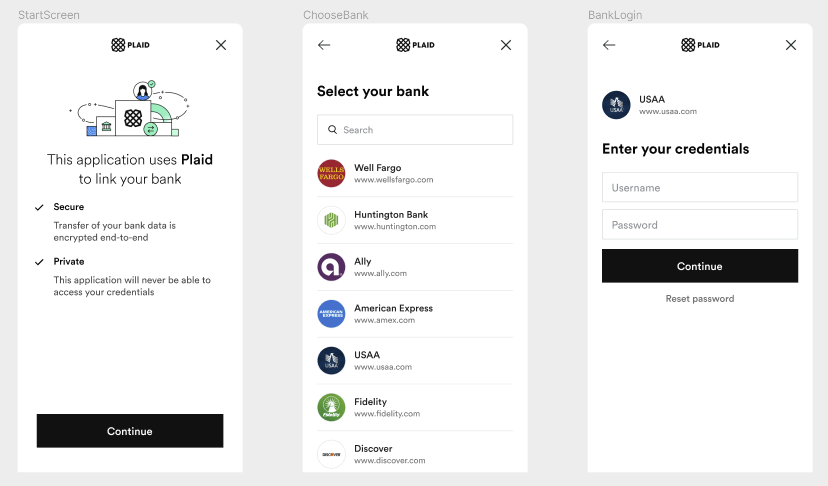
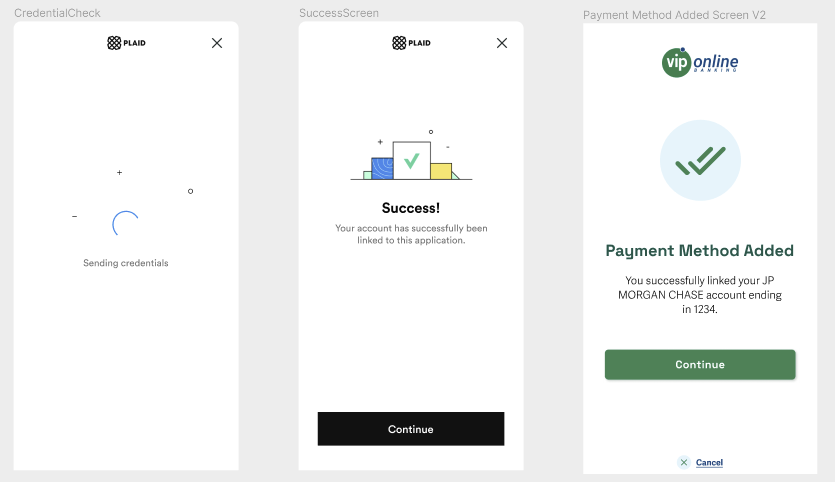
Add Bank Account With Plaid
Plaid integration has been replaced by Finicity. The following is a legacy, unsupported flow.
Components
Pay by Bank is a combination of multiple front-end and back-end components. Certain components are owned and maintained by Pavilion, while others must be developed and maintained by operators.
| Component | Type | Owner |
|---|---|---|
| VIP Connect API | Backend | Pavilion |
| VIP Connect Web Component | Frontend | Pavilion |
| Operator Web UI | Frontend | Operator |
| Operator API | Backend | Operator |
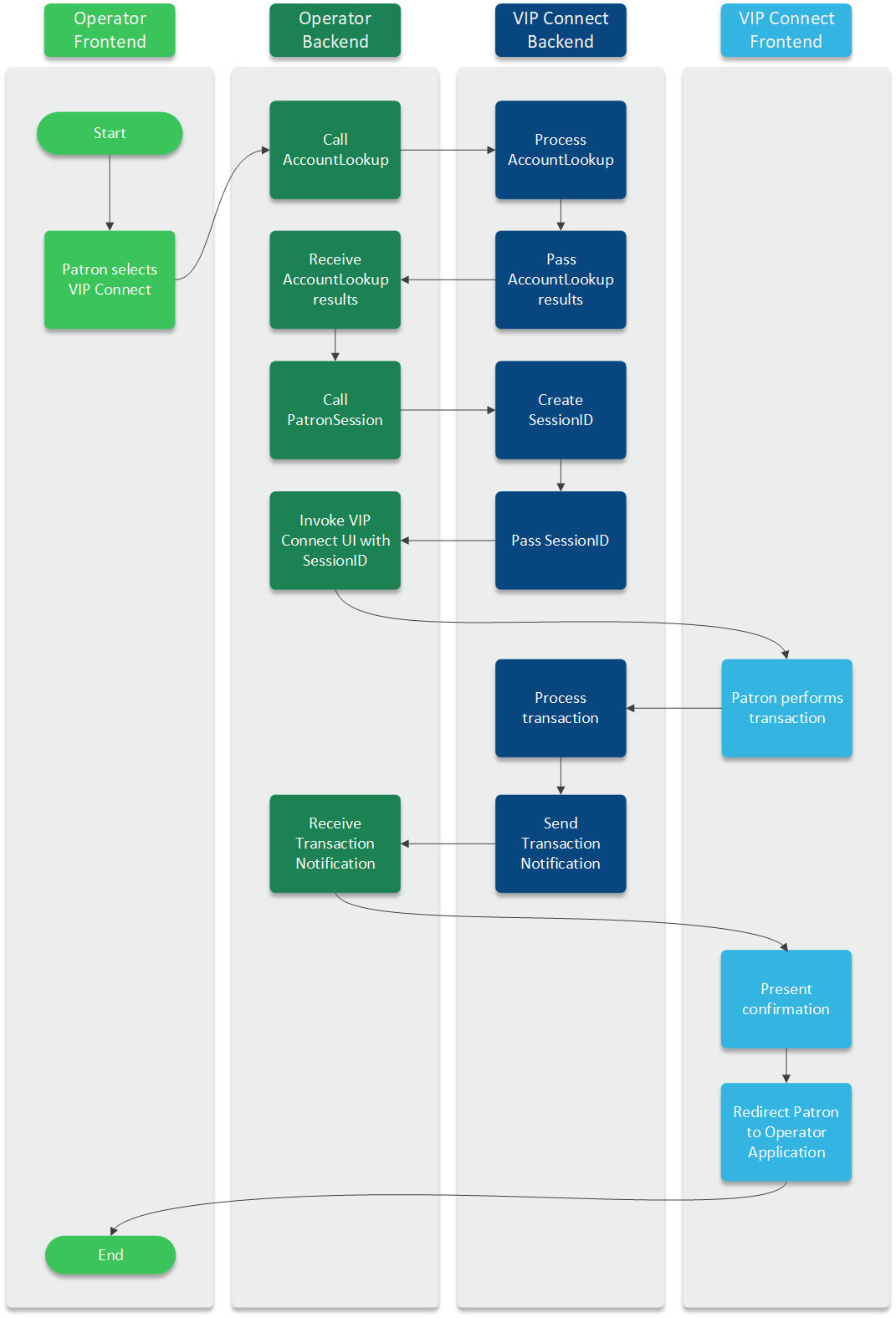
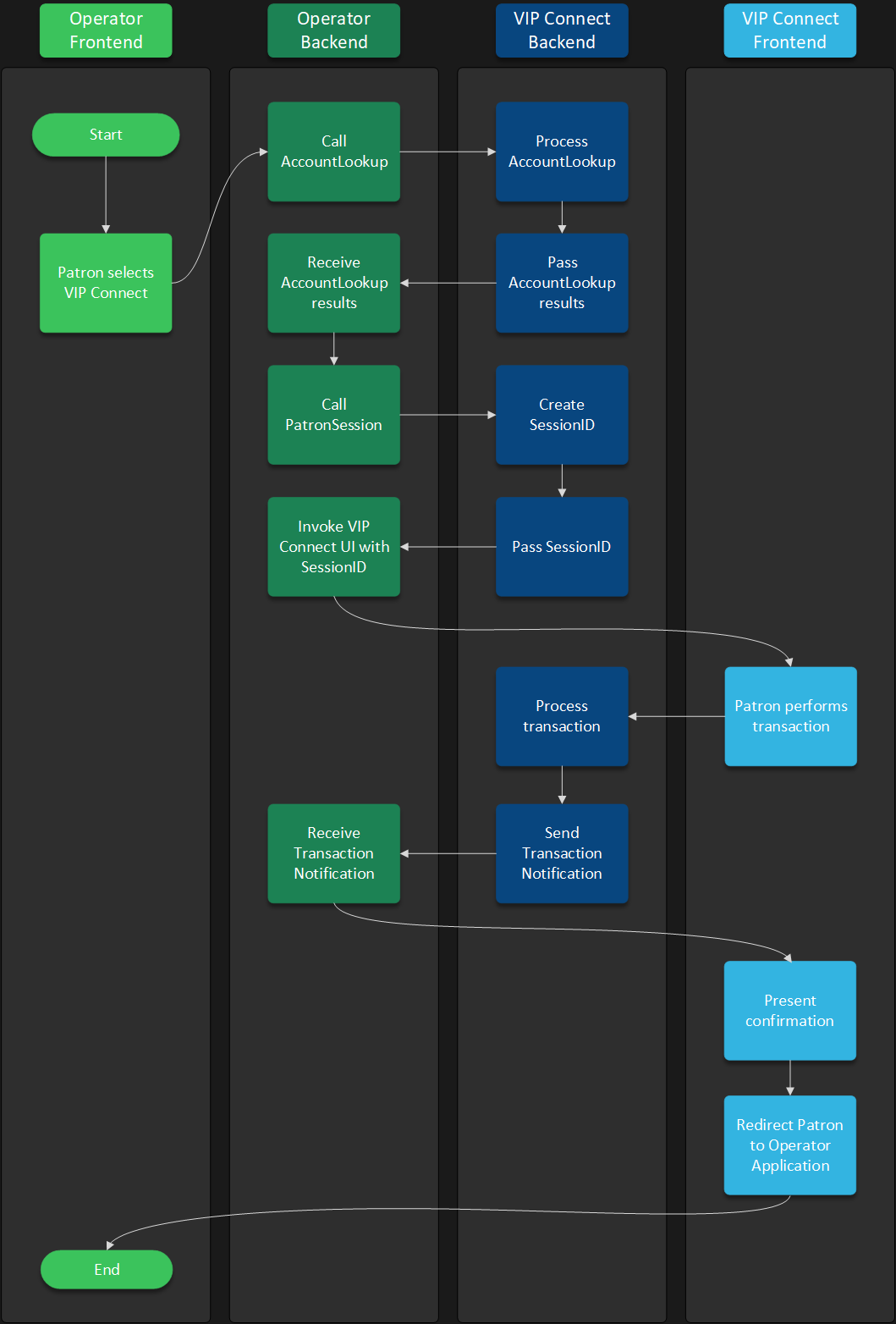
Operators must call the API endpoint residing at the specified API URL. This API call must invoke the VIP Connect API session creation endpoint and return the resulting session ID to the web component. This backend-to-backend call is required to secure all patron's personally identifiable information from being exposed.
Capabilities
Pay by Bank has multiple available capabilities that can enhance patron and operator experience. These capabilities are optional and can be activated based on the operator's needs. Learn more about how to activate them below:
Additionally, Pay by Bank comes with Identity & Risk Verification built-in.
Pay by Bank is intended to cooperate with VIP Online and VIP Preferred to offer a seamless patron experience. We strongly recommend enabling all three.