One-Click Funding
With One-Click Funding, existing patrons can complete their first deposit quickly after registering with a new operator.
Flow
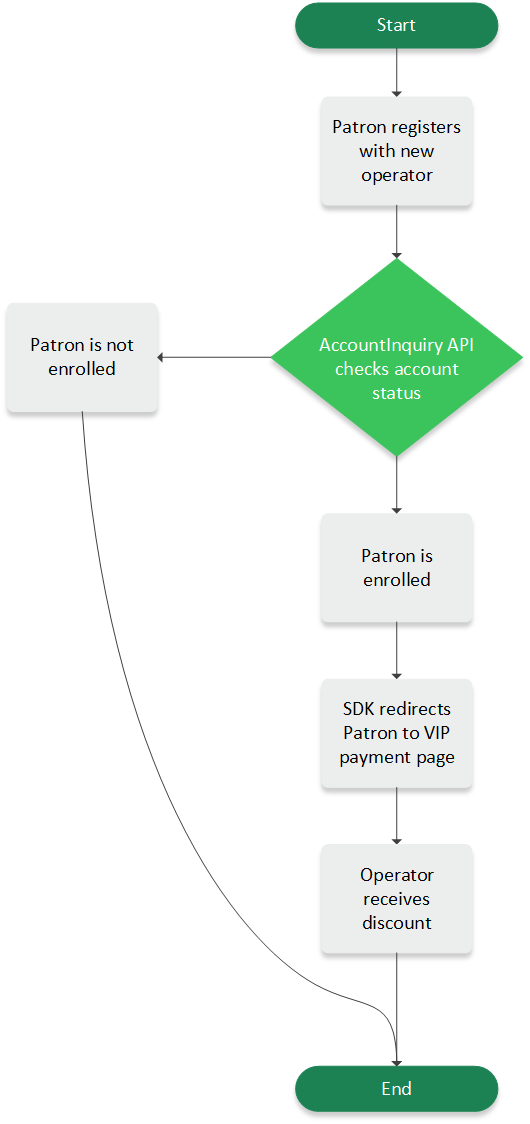
From the operator’s site, the Account Inquiry API recognizes when a patron is an existing patron and redirects them to the VIP payment page, skipping the cashier page. In exchange, participating operators receive the One Click Discount.
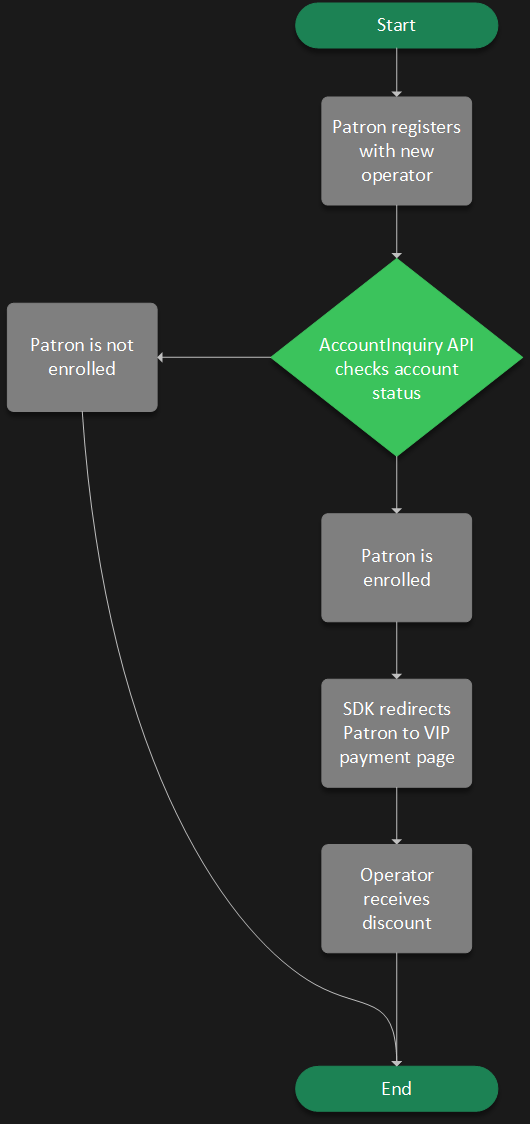
The following diagram illustrates the flow:
Integration Steps
In order to use the One-Click Funding capabilitiy, operators must sign an updated legal addendum. Contact your Pavilion representative for more information.
After signing the updated legal addendum, operators can enable One-Click Funding by setting oneClickDiscountApplied to true during session creation.
The Account Inquiry API sends oneClickDiscountEligible as true when patrons are eligible to receive the discount.