Feature Toggles and Customizations
Below is a listing of customizations currently available to operators implementing VIP Connect.
| Toggle | Definition | Visual | Requirement |
|---|---|---|---|
| Identification Info Enabled | During enrollment, patrons are prompted for social security number if it is not provided in the patron session request by the operator. | 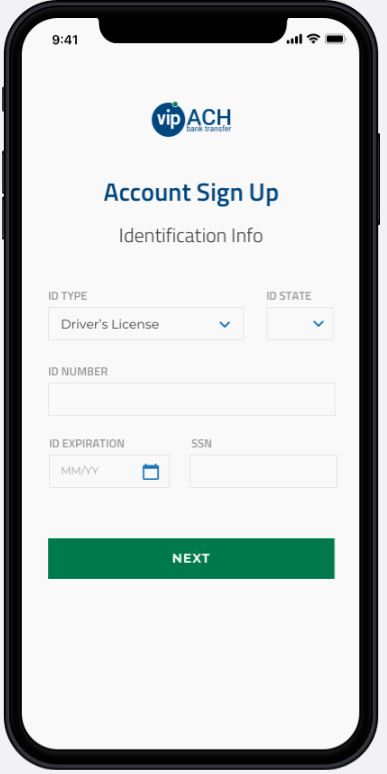 | If this toggle is enabled, operator must send patron’s SSN so that Pavilion can verify if they are not enrolled in VIP Preferred to start the enrollment process. |
| Manage Funding Sources In Dropdown | Allows patrons to add or manage their bank accounts directly from the bank account drop down list on the Choose Account page. If toggled off, the option to “Add new account” and manage accounts will not be displayed. | 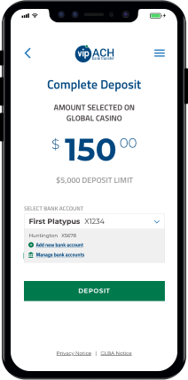 | If operators choose to not enable this toggle, patrons can alternatively manage their bank accounts by selecting the VIP ACH logo. |
| Show Dashboard Button After Success | Shows an additional dashboard navigation button at the end of a successful transaction. | 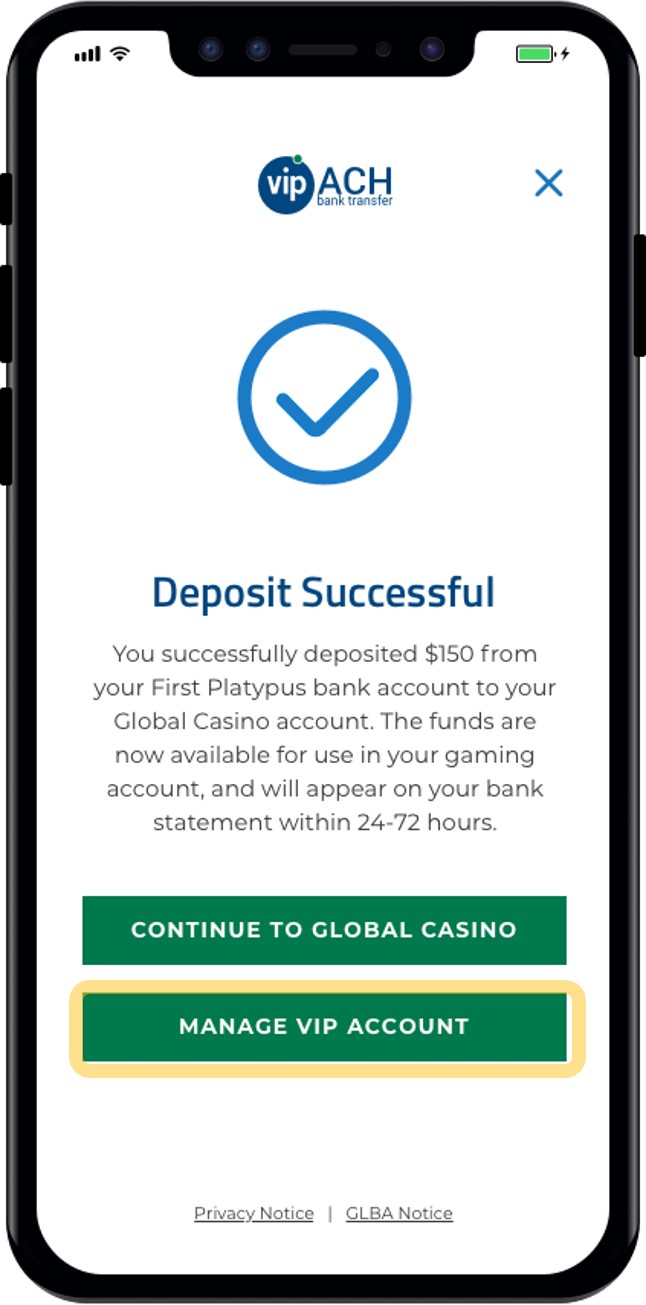 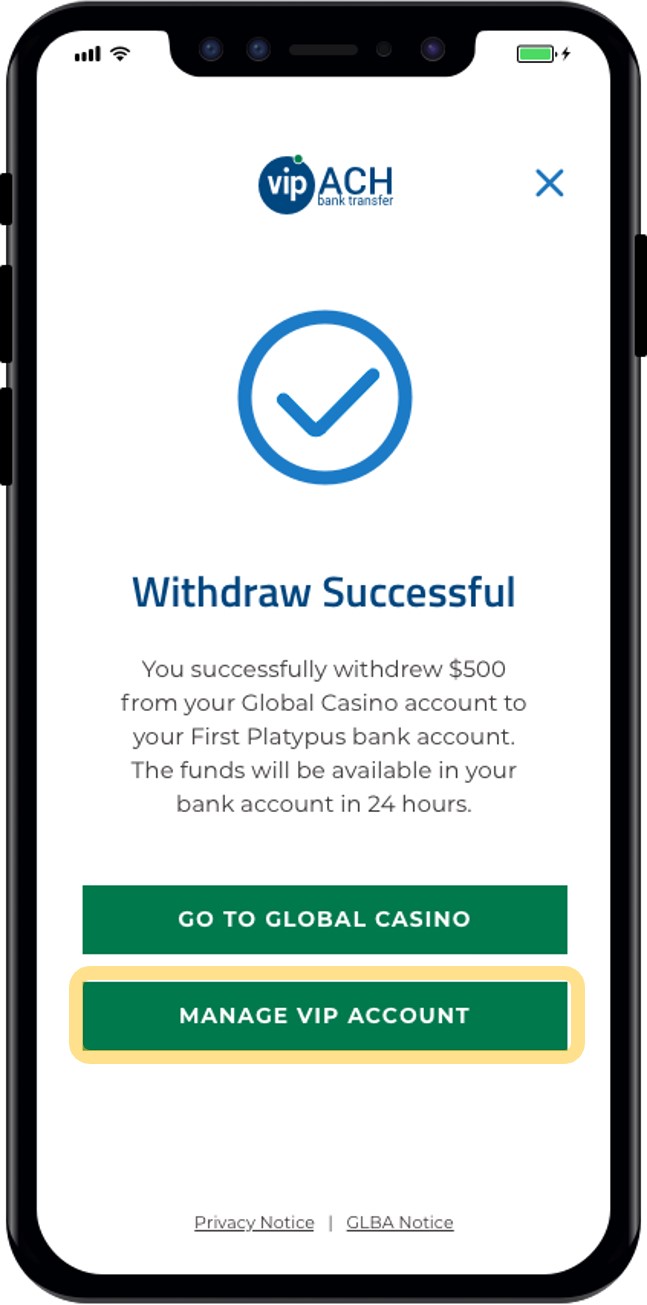 | |
| Include Bank Info On Account LookUp | Includes patron's bank account information on Account Lookup endpoint. Bank account information is masked by default. | If operators choose to not enable this toggle, bank account information associated with the VIP account will not be returned on Account Lookup, which includes the account ownership verification flag, "AccountVerified". | |
| Deposit Approval | Makes deposit transaction require operator approval, and submission to DepositApproval endpoint. | ||
| Pay by Bank Enabled | For those Operators that do not want to put VIP Online on a separate button | If this toggle is enabled, Pay by Bank flow decision is detailed here. | |
| Finicity Enabled | Determines if Finicity bank linking is available for patrons; if disabled (and Plaid is also disabled), the “Connect Your Bank” functionality will not appear anywhere in the user interface. | Finicity sandbox is set up. | |
| Amount Editable | When enabled, patrons are able to edit the transaction amount in VIP Connect after the session has been created and the web component has been invoked. | ||
| Hybrid Feature Enabled | Enables the Hybrid product that support declaring transactions as WARRANTY or NOWARRANTY |
Legacy
Plaid has been replaced by Finicity. The following are legacy, unsupported feature toggles.
| Toggle | Definition | Visual | Requirement |
|---|---|---|---|
| Plaid Enabled | Determines if Plaid bank linking is available for patrons; if disabled, the “Connect Your Bank” functionality will not appear anywhere in the user interface. | 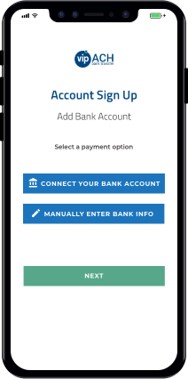 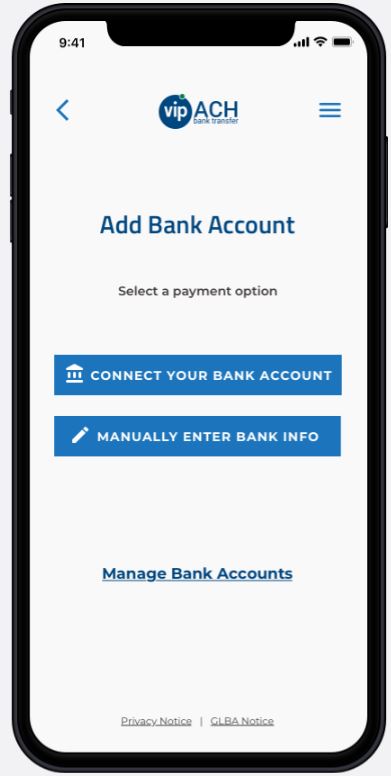 | Plaid sandbox is set up. |
| Plaid Hosted Link Enabled | Enables Plaid Hosted Link style API behavior. | Plaid sandbox is set up. | |
| Plaid Default | Makes the Plaid option for connecting a bank more prominent than the manual bank entry option. | 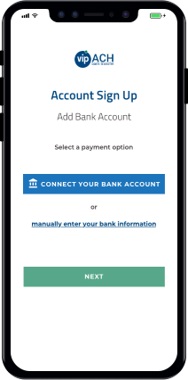 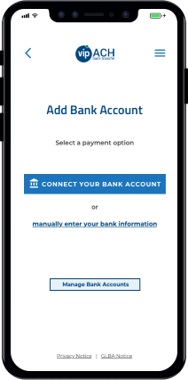 | Can only be enabled if Plaid is enabled. |